Fresh Cards 3
Fresh Cards 3 is coming soon. It’s the latest update to Fresh Cards, a flashcard app I initially released a few years ago. I’ve been working on Fresh Cards 3 for over a year and a half now, and have not yet released it, which is insane to think about.
This update has many new improvements, including new challenge modes (text input, word jumble) and a simplified, but improved playlist UI, along with a folder system and a re-written sync engine built on top of Core Data with CloudKit. (That just means it’ll be quicker and more reliable than the old sync engine I built.)
After a couple of months of beta-testing with some users, I’m finally getting close to releasing the app!
Why use Fresh Cards?
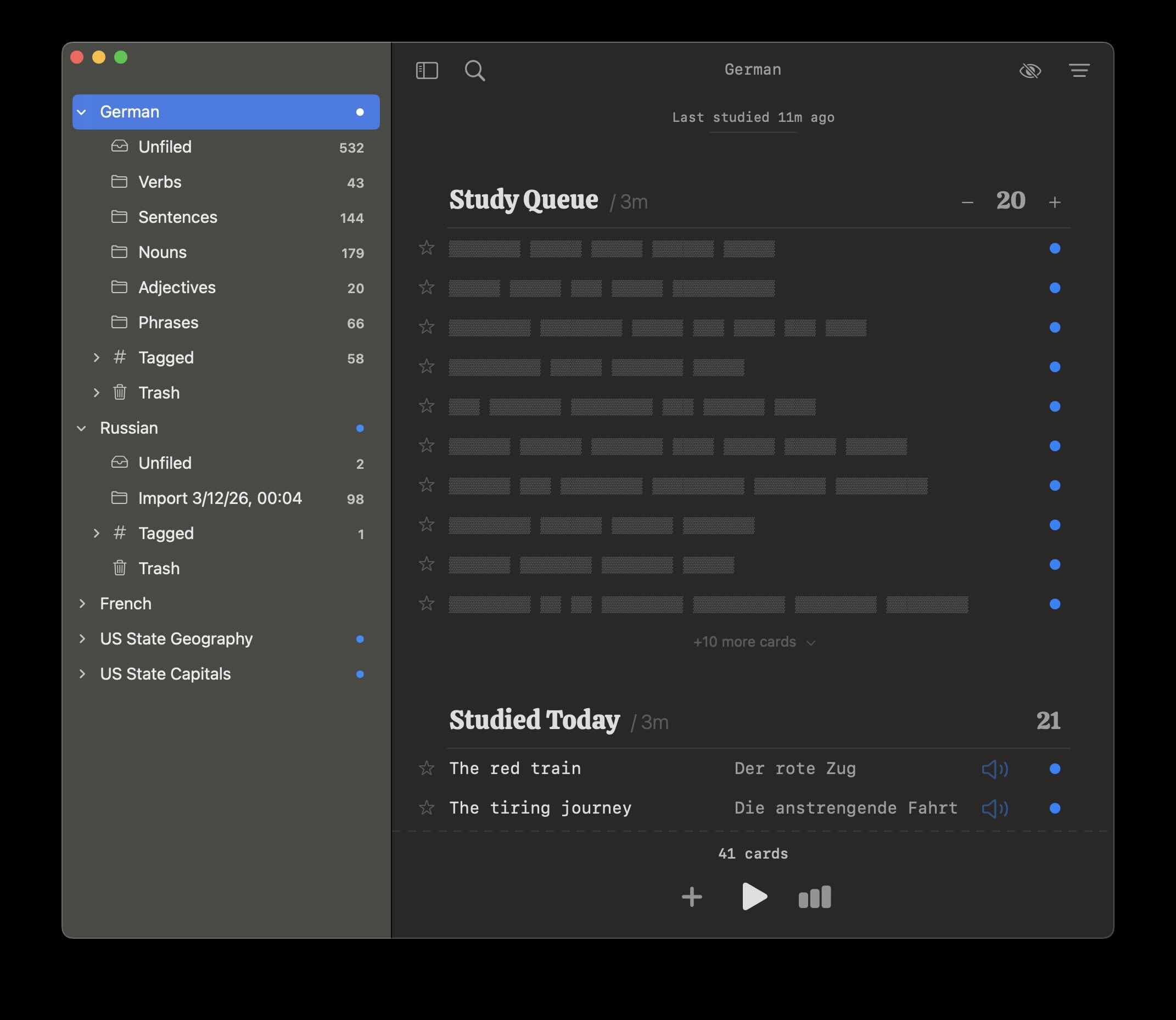
There are a lot of flashcard apps out there, of course. I tried to make Fresh Cards different by focusing on the user experience. Many flashcard apps are confusing to use and just plain ugly. Both can make learning a chore, especially for non-technical users. At the end of the day, all you need is a list of cards and a button to start reviewing, and the app leans into this by keeping the UI light and obvious.
Different Learning Styles
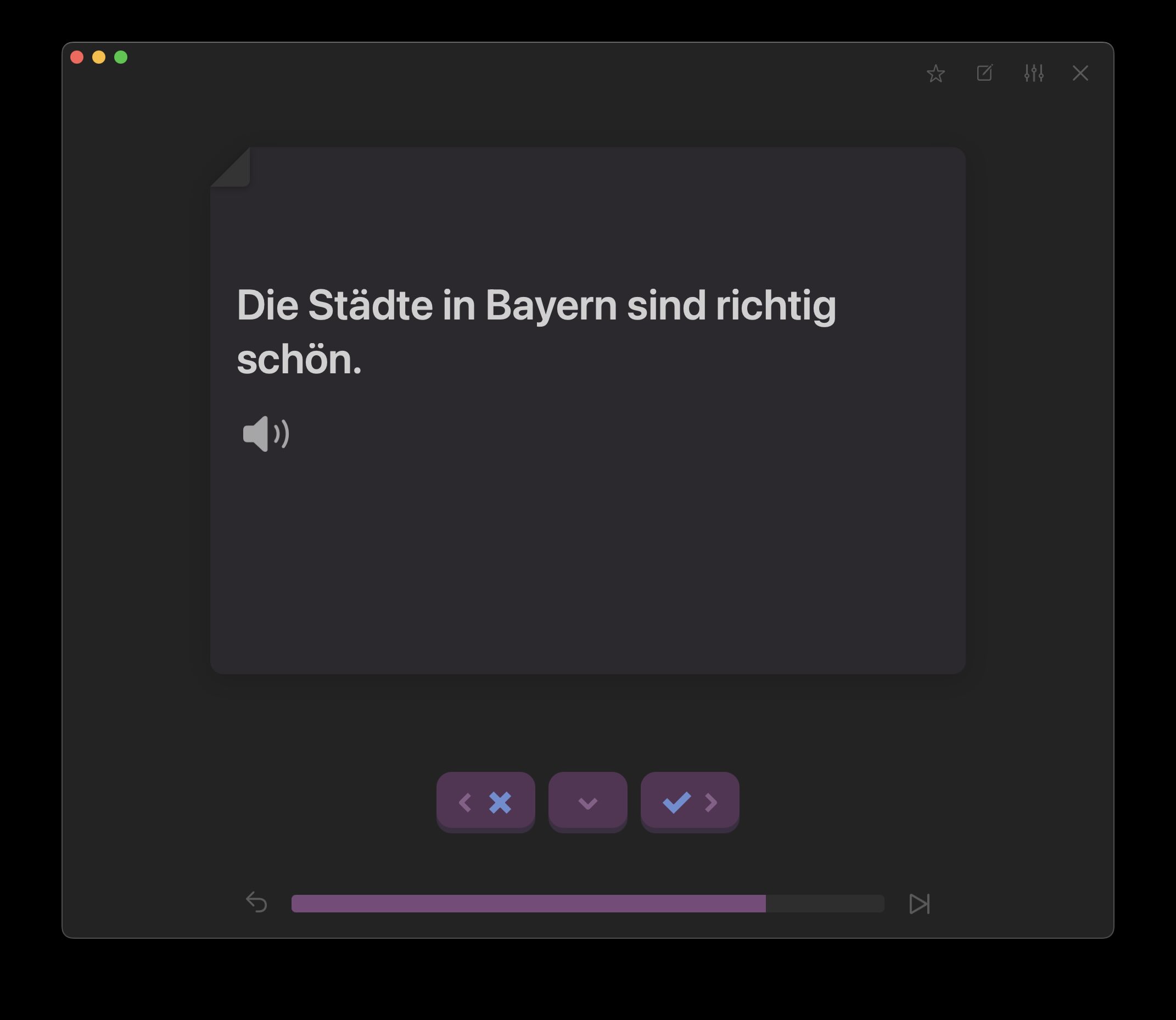
Fresh Cards also recognizes that everyone has a slightly different learning style. Some users like to follow a fixed spaced repetition schedule while others like to re-review cards even if they’re not technically “due” yet. Although the app does use a spaced repetition algorithm to schedule cards for review, it uses the due dates more as a guideline. Due cards are presented with a blue dot next to them, and cards due soon have a label indicating when they’ll be due. However, the app doesn’t stop you from picking up any cards for review, regardless of due date. Reviewing a card multiple times in a row also won’t accelerate its spaced repetition schedule, so don’t worry about that.
A More Relaxed Approach
The app actually doesn’t even push the number of due cards you have in your face (but the UI does make it possible to see how many due cards you have). Instead, it assumes you’re disciplined enough to come back regularly to study. If you’re not studying regularly, the app also doesn’t punish you by showing something like a “200 due cards” reminder anywhere.
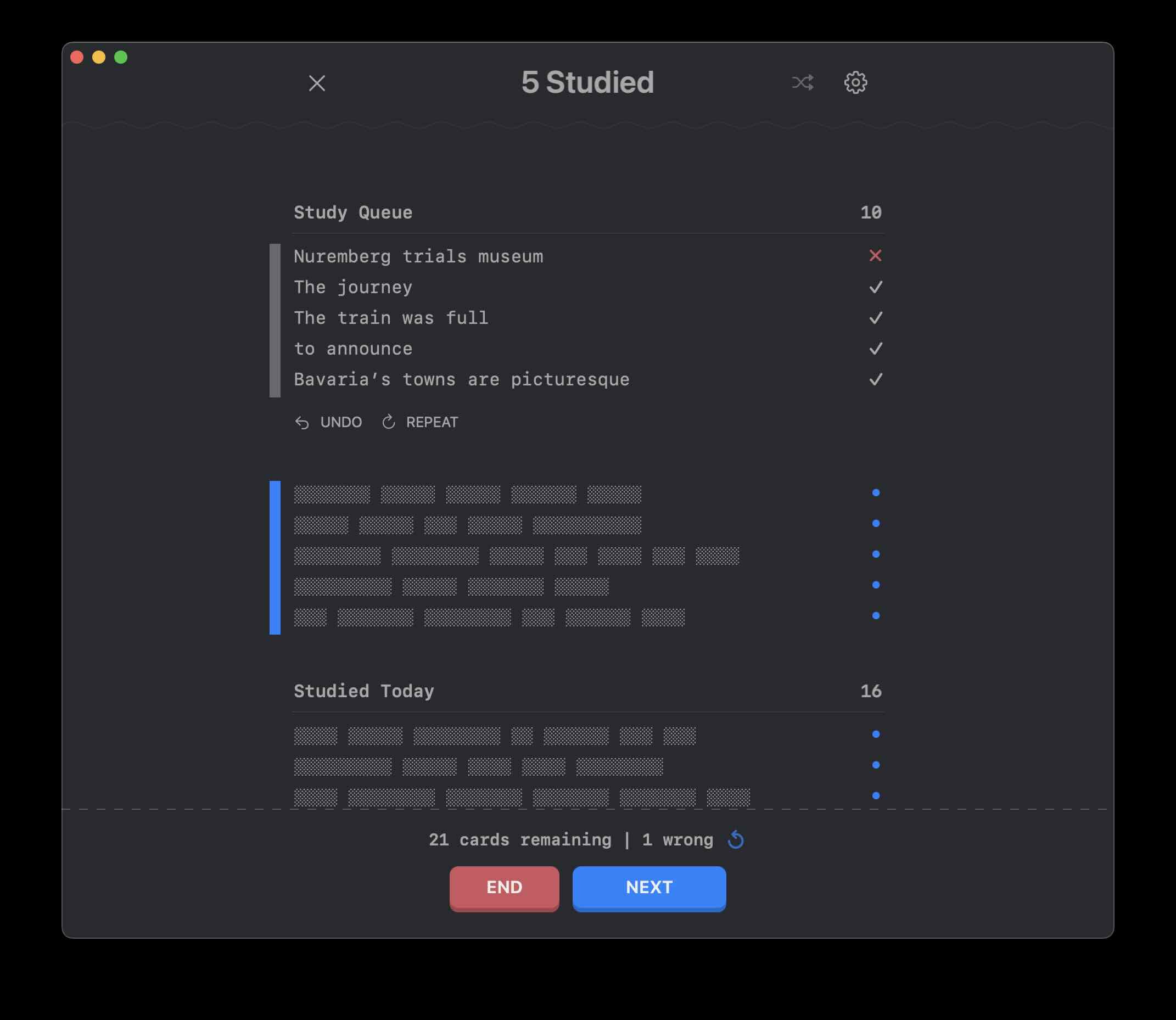
Instead, the app is set up to pace your studies. You can set a daily study queue size and it’ll auto-populate that number of cards in the default playlist, but you can add more or remove cards depending on how much studying you feel like doing. If you don’t like having the app dole out the cards like this, just crank up the daily study queue size and it’ll show you all the cards in the queue each day. But the queue size helps if you’re demotivated by a huge backlog of cards. You’ll find that if you do 20 cards, you’ll want to do 20 more right after. The nice thing about a small queue is it’s easy to see progress being made, whereas a queue of 500 cards feels impossible.
A Unique Playlist UI
The app features a unique playlist UI which means grabbing some cards to study over and over again is natural. When browsing your cards, what you see is what you get. Hit play and you’ll enter a Study Session with the cards, where you can review them a small batch at a time.
The playlist also redacts the contents of the cards, so you can see at a glance how many may be due or due soon without spoiling what’s in them before you study.
The app offers many filter modes so you can focus on cards you’re weakest on, or review by a strict spaced repetition sort order, for instance.
Folders
This update also features a folder system so that you can organize each deck into specific learning topics. This makes it even easier to customize your studies.
Coming Soon
I’ve sweated a lot of the details in this app to make it feel like a well-crafted tool. There are a lot of subtle design decisions that I ended up making, which I’m excited for people to discover.
Fresh Cards 3 is coming out very soon for Mac and iOS.